Bing has introduced Visual Search which allows you to search on content within an individual image.
To try it, carry out an image search on Bing as normal, and when you come to an image, in the top left there should be a magnifying glass symbol. By selecting that symbol, an area of the image will be highlighted. Simply grab the edges of the selection to hone into the individual item on the image. It may be a vase, a chair, etc. Once you've honed in, beneath the main image will appear examples of what Bing has found in the image library.
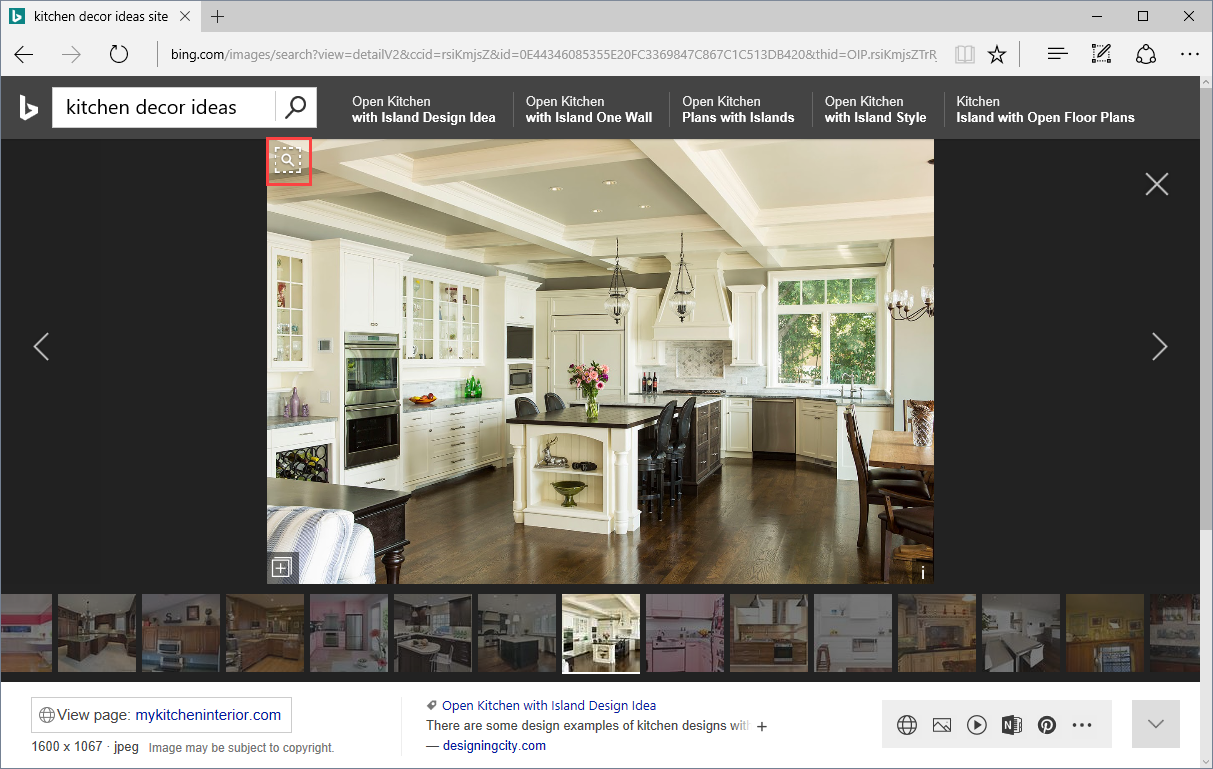
I've been testing it for a while and it is not bad at all. Obviously, there's a little way to go, but so far it's come up with some interesting new content, and ideal if, for example, you see an object in an image and want to find that to, perhaps, buy.
Here's more detail [
blogs.bing.com...]
Here's the technical detail on how the image graph works. [
blogs.bing.com...]

 New Bing Visual Search Detail View


