


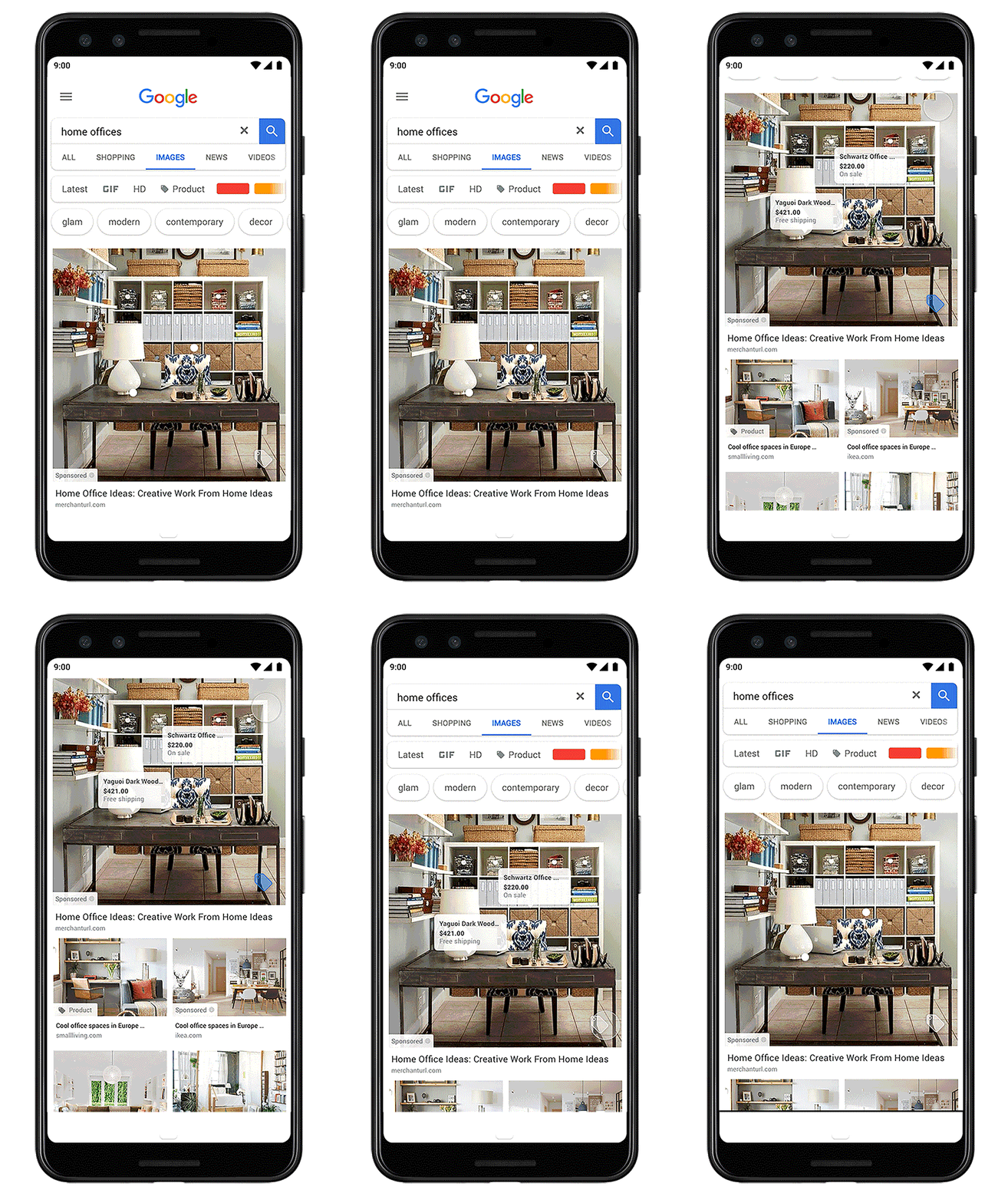
Let’s say a shopper is searching for home office ideas on her mobile device or desktop and goes to Google Images to explore ideas around how to organize her room. She can scroll through the images, hover over any sponsored ad with the price tag, and see the items for sale in the image -- along with prices, the brand, and more. We’ll continue to roll this out to more categories across more retailers over the next few months.

Google Images is now a part of the Search Network for Shopping ads
Hello,
Google Images is a visually rich surface and a key part of millions of users' shopping journeys every day. Users frequently turn to Google Images for idea exploration, how-to guidance, product discovery and visual imagery related to key shopping categories like fashion, home and beauty.
We are excited to announce that we will be integrating Google Images into our core Search Network in late March. This means Shopping ads, that you are already familiar with, will now automatically be eligible* to appear in Google Images results when users are searching for relevant keywords.
What this means for your Shopping campaigns:
All of your Shopping ads will be automatically eligible* to serve on Google Images. You will no longer have to opt into the Search Partner Network to show Shopping ads on Google Images.
*For Europe only: if you are unsure what surfaces your ads show on, please check with your CSS.
If your campaigns currently run on the Search Partner Network - you may see a decrease in traffic coming in from Search Partner Network and an increase in traffic coming from the Search Network. This is because Google Images was previously a part of the Search Partner Network. Note: Historical Google Images traffic will not be re-categorized from the Search Partner Network to Search Network.
If your campaigns are not currently opted into the Search Partner Network - your ads will start showing on Google Images and as a result there may be a 3-10% increase in traffic at lower cost-per-click and comparable conversion rates.
Sincerely,
The Google Ads Team
In Google Merchant Center go to Products > Feeds > click on your feed > settings and here where your target country is listed, uncheck surfaces across google.
How do I show my products on surfaces across Google?
Opting for your product information to show on surfaces across Google allows people to see goods from your store on various Google platforms, including rich product results on Google Images and rich results on Google Search. This program is free to you. All you need is a product data feed in your Merchant Center account. We also recommend having structured data on your website. Google uses schema.org to scan websites and generate feeds automatically. Learn more about showing your products on surfaces across Google

